Topsy Dash
A downloadable game for Windows, macOS, Linux, and Android
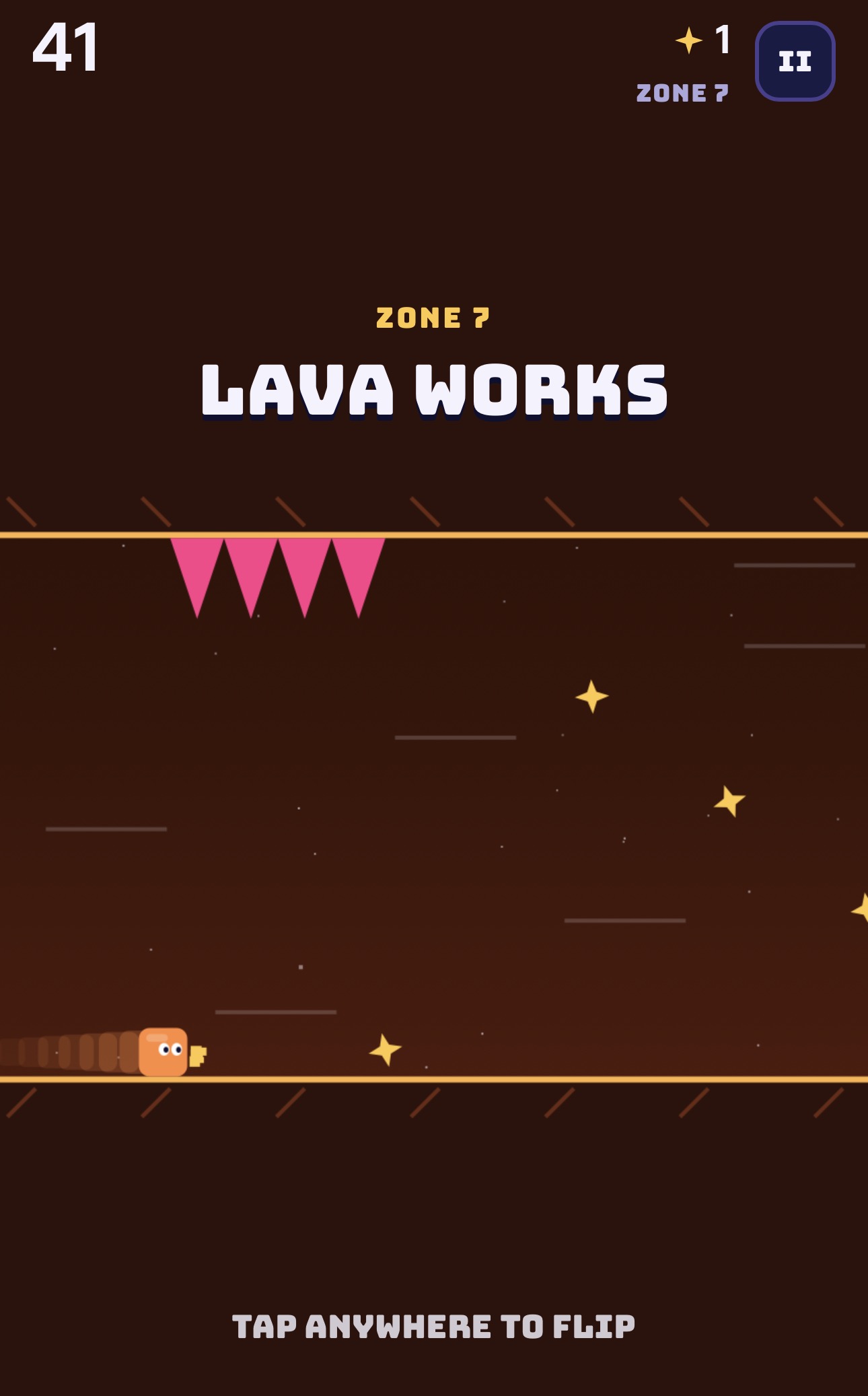
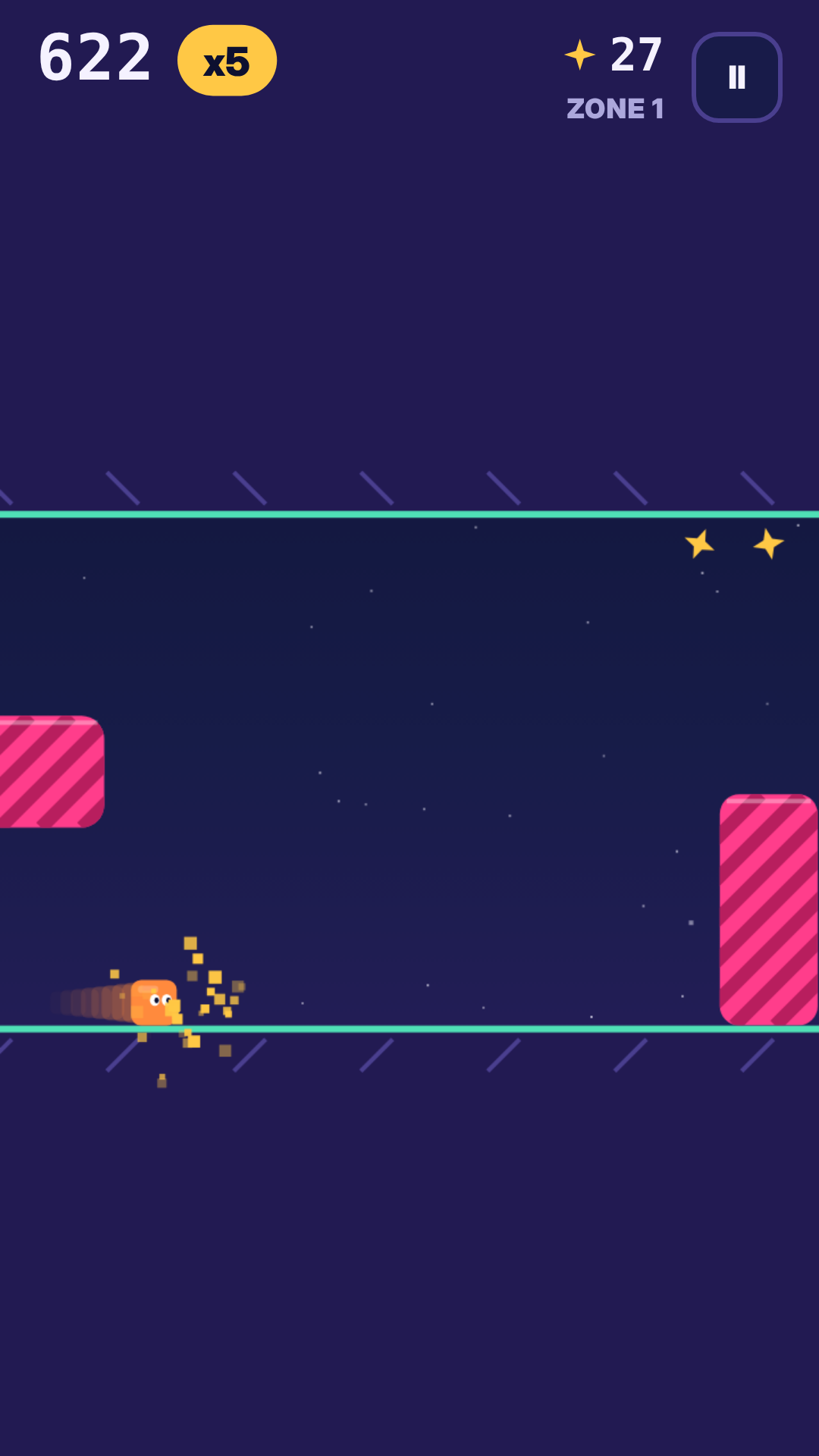
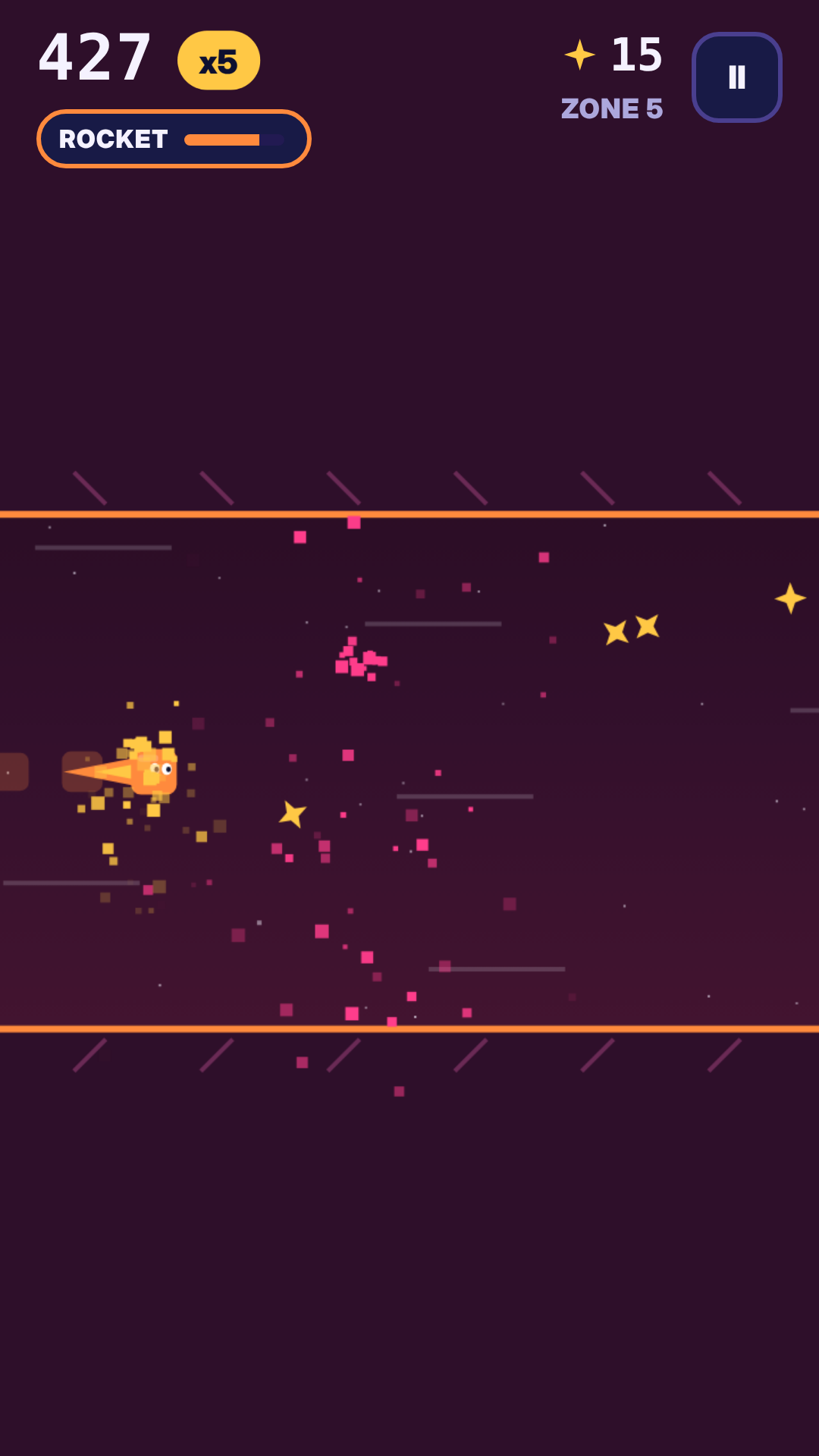
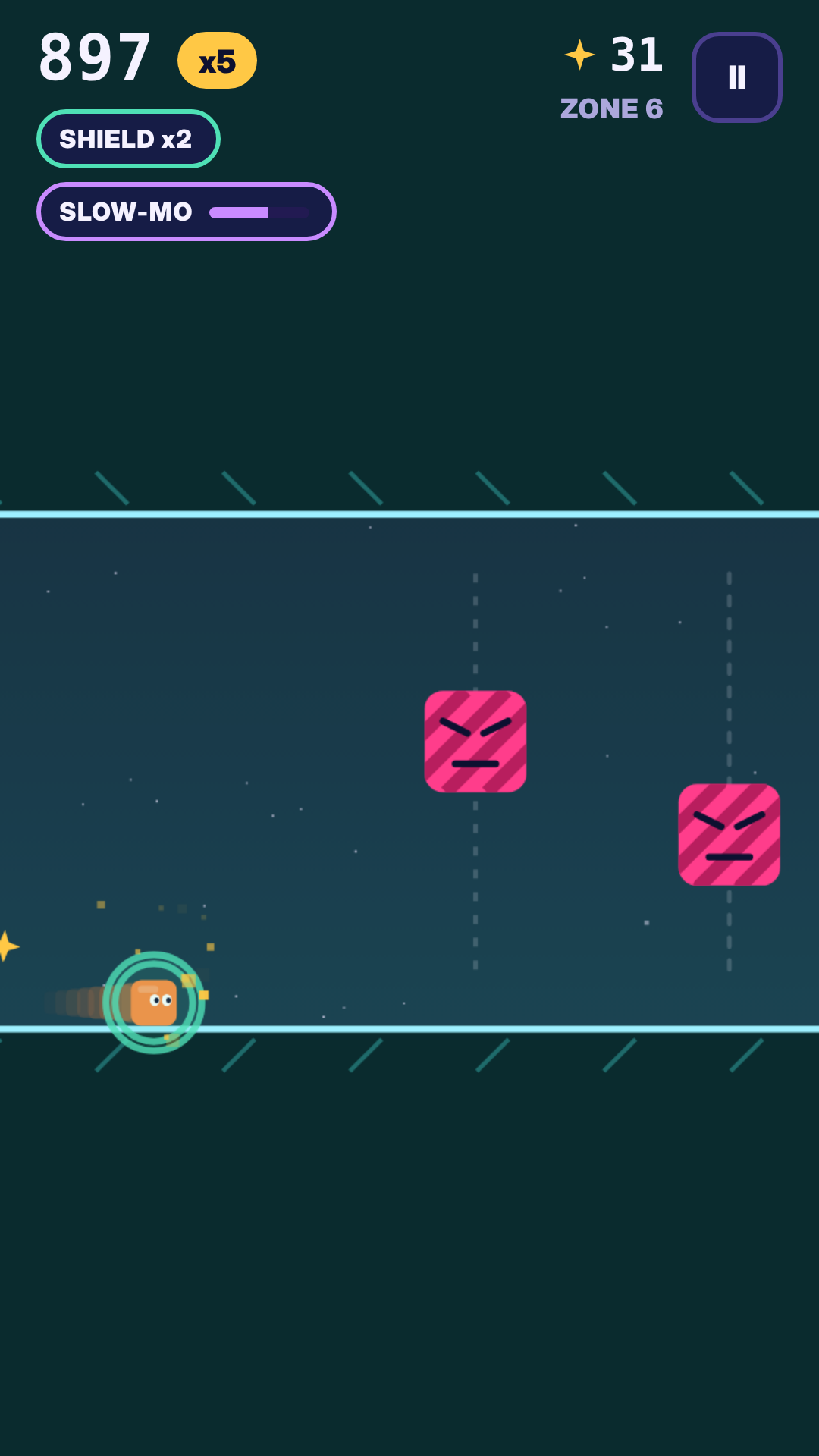
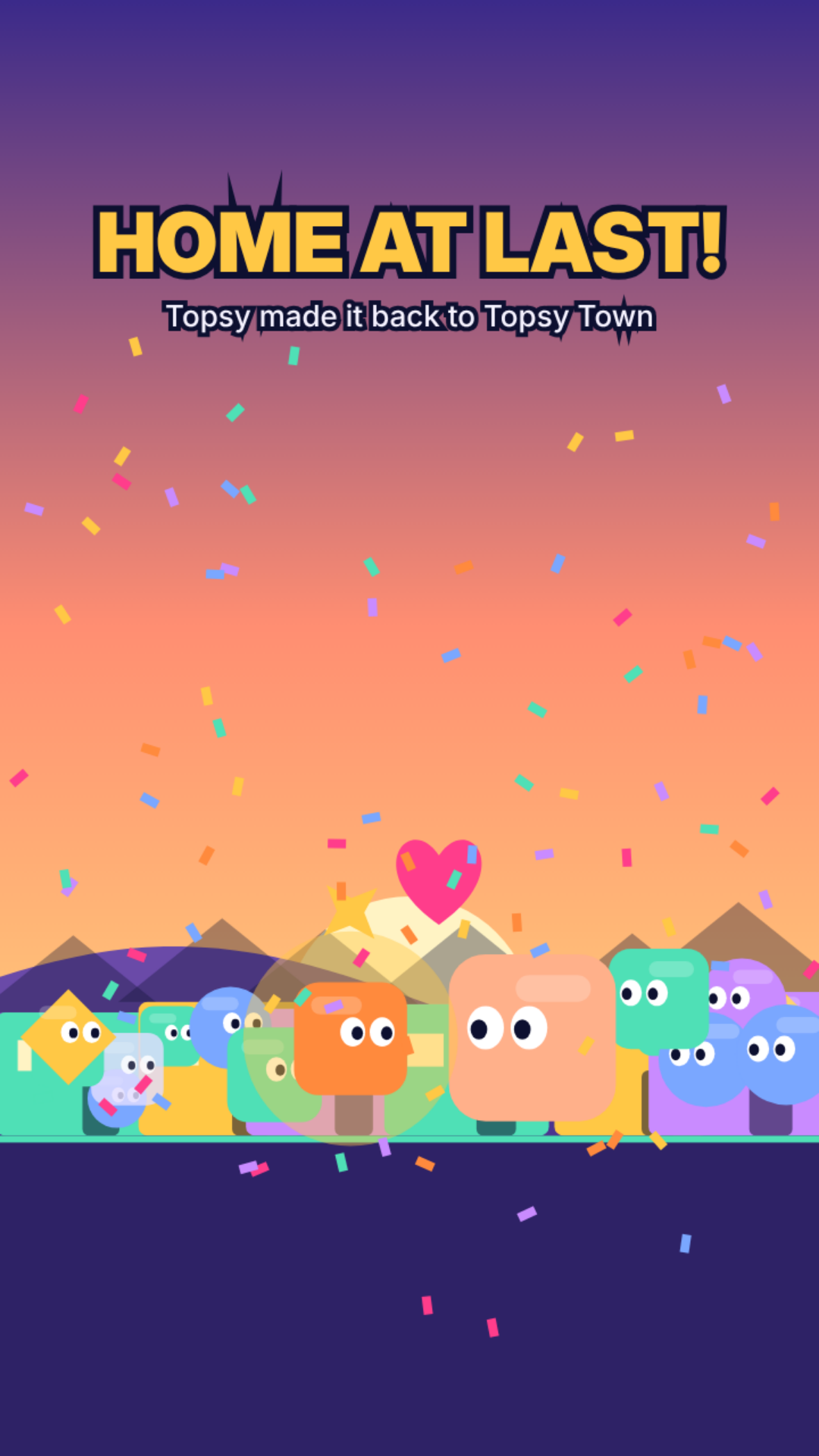
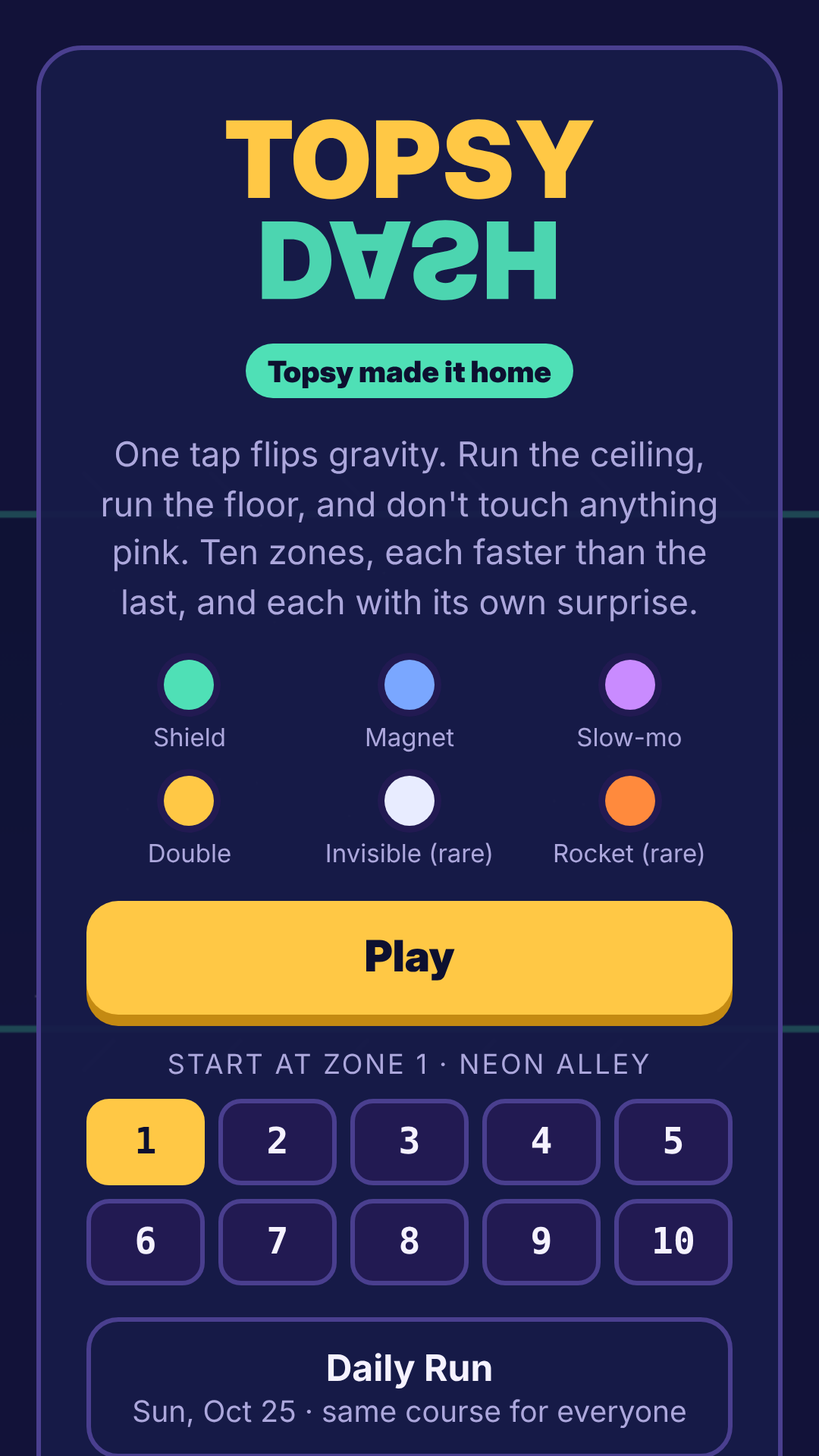
Help Topsy find his way back home. Flip between floor and ceiling to dodge spikes, saw blades, warp portals and blinking walls. Grab power-ups like Shield, Magnet and the rare Rocket, complete missions, and unlock skins. New Daily Run every day, the same course for everyone. No ads, no purchases, no accounts.
Topsy Dash - HOW TO PLAY AND INSTALL
==================================
PLAY IN YOUR BROWSER (nothing to download)
1. Open the Topsy Dash page on itch.io.
2. Tap "Run game".
3. Tap the fullscreen button (bottom-right corner of the game) for the best view.
Works in Chrome, Safari, Edge and Firefox on phones, tablets and computers.
ADD IT TO YOUR PHONE'S HOME SCREEN
This puts a Flipline icon next to your other apps that opens the game page.
- iPhone or iPad (Safari): open the game page, tap the Share button, then "Add to Home Screen", then "Add".
- Android (Chrome): open the game page, tap the three-dot menu, then "Add to Home screen" or "Install", then confirm.
DOWNLOAD AND PLAY OFFLINE (computer)
1. On the itch.io page, click "Download" next to Flipline-offline.zip.
2. Unzip it:
- Windows: right-click the file, choose "Extract All", then "Extract".
- Mac: double-click the file.
3. Open the new folder and double-click index.html. It opens in your web browser.
The game works offline. With no internet it uses your computer's standard fonts, so the lettering looks a little plainer.
CONTROLS
- Tap the screen or click to flip gravity.
- Keyboard: Space, Up arrow or Down arrow to flip. P or Esc to pause.
SAVING
Your best scores, sparks, skins, unlocked zones and missions save automatically in the browser on the device you play on.
- Playing on a different device or browser starts fresh.
- Private or incognito windows don't keep progress.
- Clearing your browser's history or site data resets progress.
SOUND
- Tap the screen once to start sound. Phones block game audio until you tap.
- On iPhone, make sure the silent switch is off.
- Turn sound effects and music on or off separately from the main menu.
TROUBLESHOOTING
- Game looks too small or cut off: tap the fullscreen button, or turn your phone to portrait.
- No sound: tap the game once and check your volume and silent switch.
- Progress disappeared: you may be in a private window or on a different browser.
FOR PARENTS
No ads, no in-app purchases, no chat, no accounts. The game collects no personal data.
Download
Leave a comment
Log in with itch.io to leave a comment.